
Custom Google Review Cards
Give customers a recognisable, branded way to reach your review page. Add your business details and logo to a reusable NFC + QR card prepared for your destination.
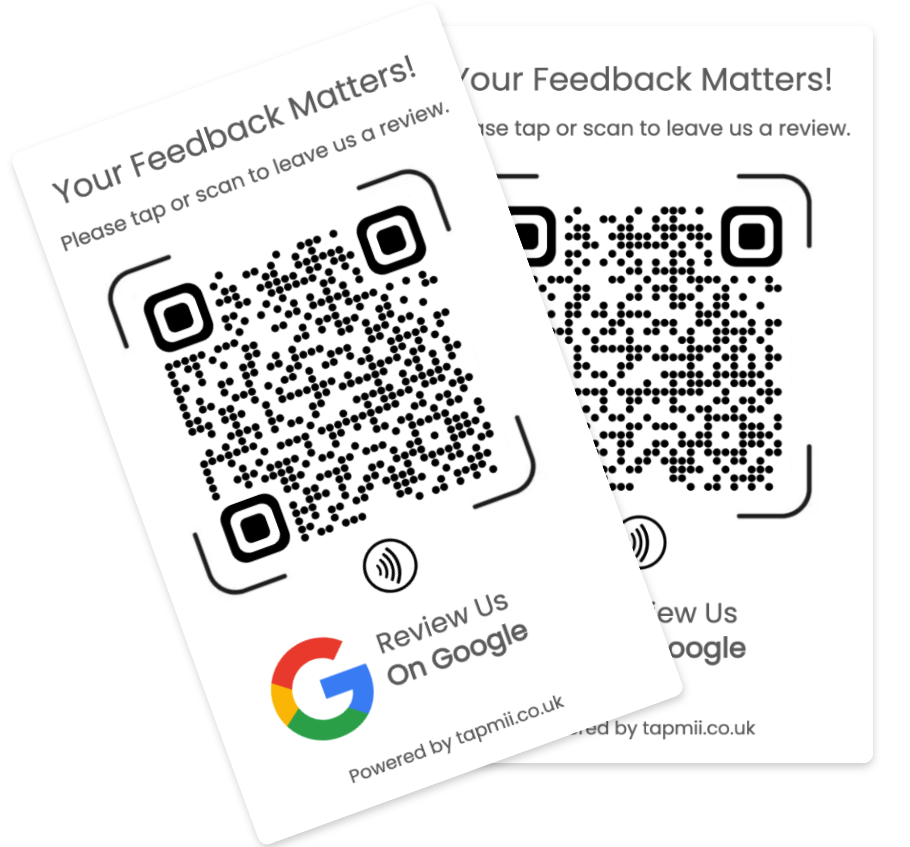
Make the request feel like your business
Consistent colours, wording and business details help customers recognise that the card belongs to the company they just visited. Keep the instruction short and neutral: “Tap or scan to tell us about your experience.”
How customisation works
Choose the custom product, add your business information and upload a clear logo. TapMii uses those details to prepare the card and connect the review destination.
Select the card style and quantity.
Provide the business name, destination and artwork.
Complete secure payment through Stripe.
Test the delivered card before placing it with customers.
Artwork that stays readable
Use a high-resolution PNG, JPG or PDF logo. Leave enough contrast around the QR code and keep the call to action legible at arm’s length.
Common questions
Yes. Upload a supported logo file on the custom card product page.
Yes, but contact TapMii before a multi-location order so quantities, artwork and destinations can be mapped clearly.
No. Custom cards are sold as a one-time purchase.
Explore Google Review Card guides
Choose the guide that best matches your business or buying needs.