
Google Review Cards: The Complete Guide
A Google review card gives customers a quick route to your business review page. This practical guide explains NFC tap cards, QR review cards, placement, setup and how to ask for honest feedback.
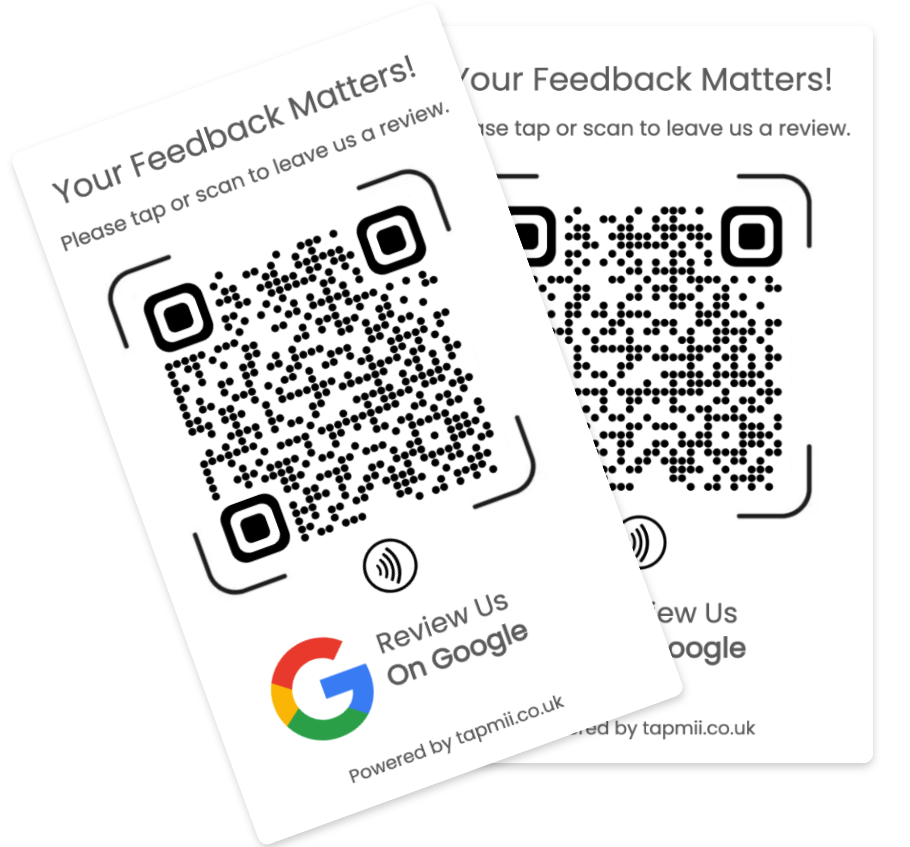
What is a Google review card?
A Google review card is a physical card, sign or stand that opens a business review link when a customer taps it with an NFC-enabled phone or scans its QR code. It removes the need to search for the business, find the correct profile and navigate to the review form.
The card does not write, filter or publish a review. It simply provides a convenient link. The customer chooses whether to leave feedback and what rating or comments to submit.
Choose the right format
The best format depends on where customers interact with you and whether the card stays in one place or travels with a member of staff.
Best for fast, close-up interactions at a till, desk or table. Customers hold a compatible phone near the card.
Works through the phone camera and gives customers a visible action to take. It is useful on counters, printed inserts and displays.
Offers two ways to open the same review link, helping customers choose the method they recognise.
Adds your logo, colours or instructions so the request feels consistent with your customer experience.
Where review cards work well
Place the card where a customer has completed a genuine experience and has a moment to respond. Avoid interrupting service or asking before the work is finished.
A responsible review request
Use neutral wording such as “Tell us about your experience” or “Leave us a Google review.” Ask all customers consistently rather than only approaching people you expect to give a positive rating.
Google branding belongs to Google. TapMii is independent of Google and other review platforms; the card is a tool that directs customers to the review destination you configure.
Common questions
The customer taps the NFC area or scans the QR code. Their phone opens the review link in a browser or supported app, where they can choose to leave their own rating and comments.
No special TapMii app is required. NFC works on most modern smartphones, while a QR code can usually be scanned with the standard camera app.
TapMii cards can use an updateable link, so the destination can be changed without replacing the physical card. The exact setup depends on the product selected.
No. A review card links customers to a place where they can share feedback. It has no stored monetary value and is not a payment or gift card.
Google names and logos are protected brand assets. Use only branding permitted by Google’s current guidelines. Custom TapMii designs can instead focus on your own logo and clear “tap or scan to review” instructions.
Explore Google Review Card guides
Choose the guide that best matches your business or buying needs.