
Google Review Cards for Restaurants
Make it easy for diners to share honest feedback at the end of their visit. Place reusable NFC + QR cards at tables, tills or with the bill—without asking guests to search for your restaurant.
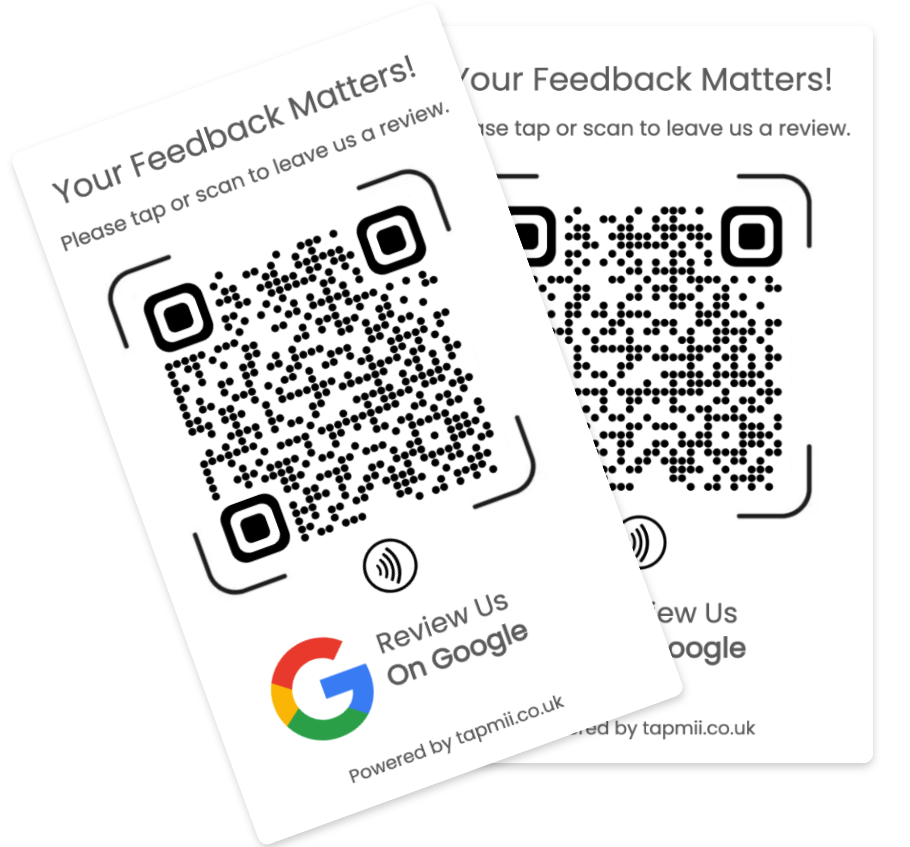
Place cards at the natural finish
The best moment is after the meal or collection is complete. Add a neutral invitation to the bill folder, counter or table rather than interrupting the dining experience.
Choose a quantity by placement
Count the tables and service points where customers naturally pause. A five- or ten-card pack can cover several tables while one card may be enough for a small counter-service venue.
Ask consistently and responsibly
Invite all customers to describe their genuine experience. Do not offer rewards for positive ratings or selectively ask only customers expected to leave five stars.
Common questions
Start with the payment and collection points, then add table cards where they will remain visible and easy to test.
Yes. Use a location-specific destination for each restaurant so customers review the venue they visited.
No special app is required. They can tap with a compatible phone or scan the QR code.
Explore Google Review Card guides
Choose the guide that best matches your business or buying needs.